




Asus’ Zenbook line, as many of you may already know, is the flagship series, catering to the needs of premium consumers who are willing to spend money on higher quality of life additions. Honestly, I’ve been a fan. The Zenbook series includes some of the most stylish Ultrabooks that tick all the boxes. Following this trend, the company recently released a spec update to the Zenbook 14, which now comes with an AMD Ryzen option, along with a 3K OLED display and the promise of all-day battery life.
These specs alone were enough for me to call Asus and get the device for testing. It’s been more than two weeks since that call. Since then, I’ve been using the Zenbook 14 OLED (AMD) as my primary laptop, ditching the workhorse MacBook Air M1 and learning why and how it justifies its INR 85,990 price tag. The short answer? It’s really good. To find out why, read on.
Asus Zenbook 14 OLED (AMD) review
Summary
The Asus Zenbook 14 OLED is hard to fault. It gives you all the performance to get any office job done on a spectacular display, along with a really decent keyboard and trackpad experience, all while working a full day without recharging.
Design and Hardware
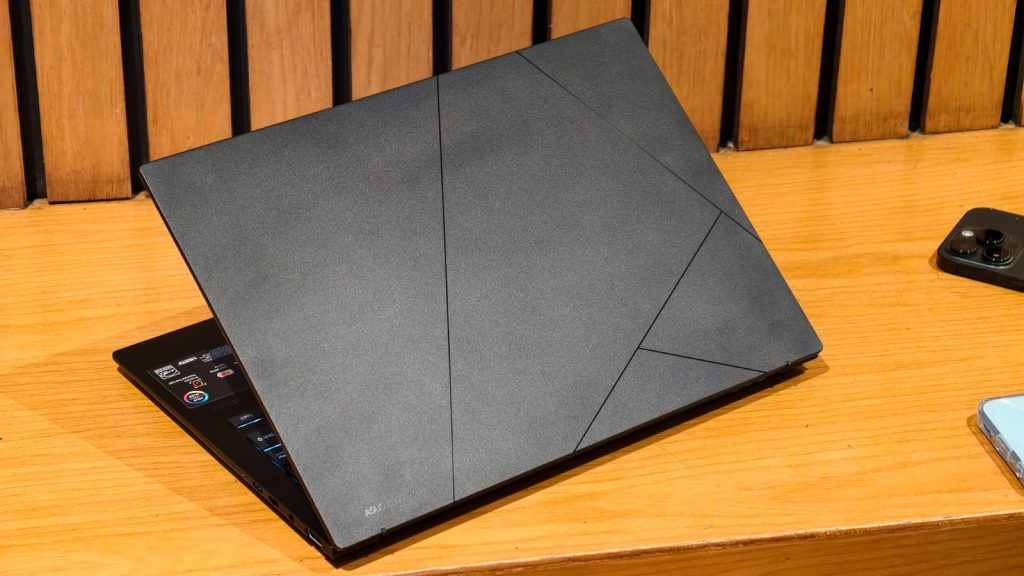
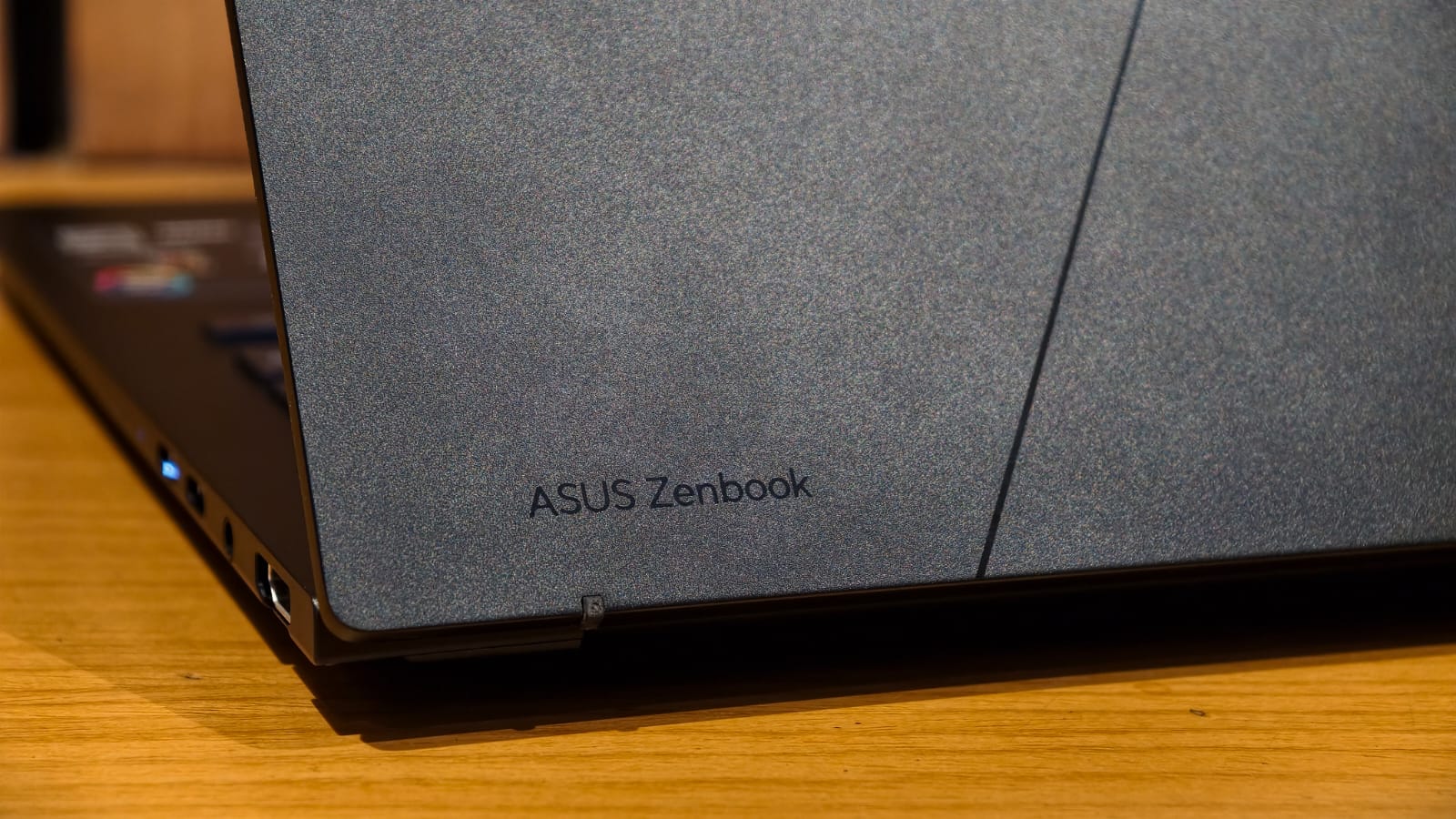
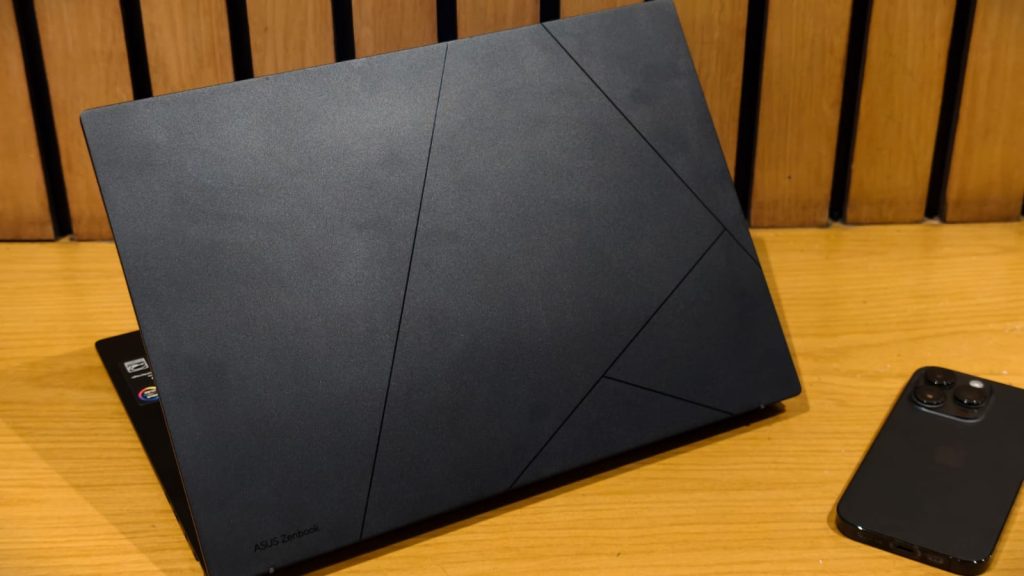
Asus’ Zenbook series is known for its sleek looks, and the same goes for the new Zenbook 14 OLED. I received the matte black variant and boy am I a fan of this color. It’s so eloquent and elegant without making a lot of noise. This finish, along with the new Asus logo running along the back, makes the Zenbook 14 scream premium. Like my everyday MacBook, it doesn’t weigh much either: just 1.29kg. This, along with the 14.9mm, allowed me to take a leap while shooting review images for the ZenBook 14 without breaking my spine.
Speaking of taking review photos, I do have one complaint with the design, and that is fingerprints. Every time you touch the laptop, fingerprints remain and are not easy to remove. I spent a lot of time trying to keep the device clean for review shots, but they didn’t come off easily. So if you’re obsessed with keeping your gear clean, bring a microfiber cloth.
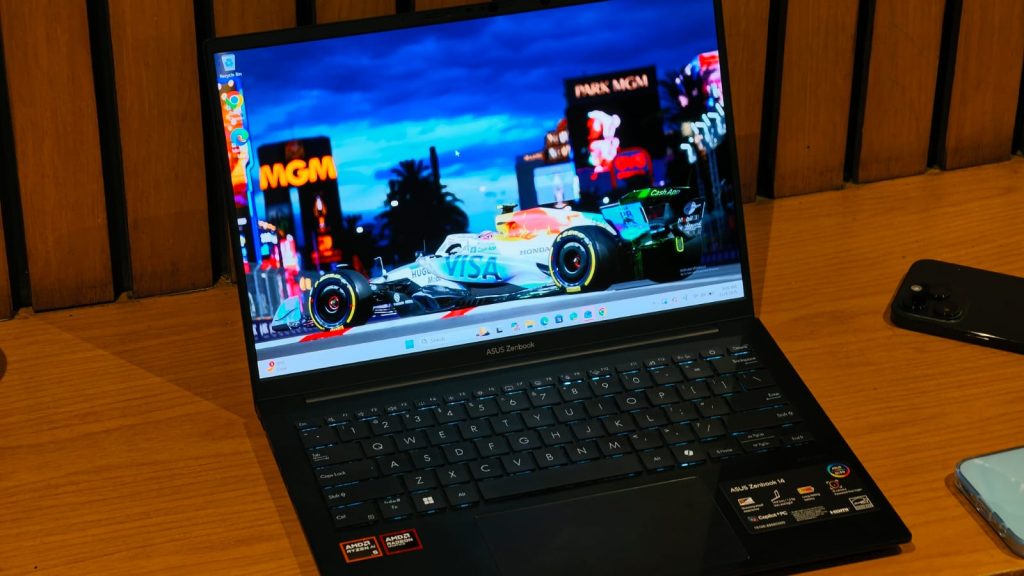
In line with the MacBook-like aesthetic, the Zenbook 14’s chassis is made of metal, which not only feels cool to the touch but is also MIL-STD 810H certified. While I didn’t drop the laptop when removing it from a bag, I’m sure it will survive if that accident happens. Open the machine and you’ll be greeted with a similar-feeling keyboard that’s really comfortable to type on. The hinge allows for 360-degree opening and is one of the best Asus hinges I’ve tested. This is because it holds the screen steady and does not wobble.
When it comes to ports, there’s only one USB 3.2 Gen 1 port on the left, which is a bit of a bummer considering I like to have charging ports on both sides. On the right, there is a USB-4 Type-C port, another USB-C 3.2 port, an HDMI 2.1 port, and a 3.5mm headphone jack. It is important to note that since this is an AMD-powered device, it does not support Thunderbolt.
Keyboard and touchpad
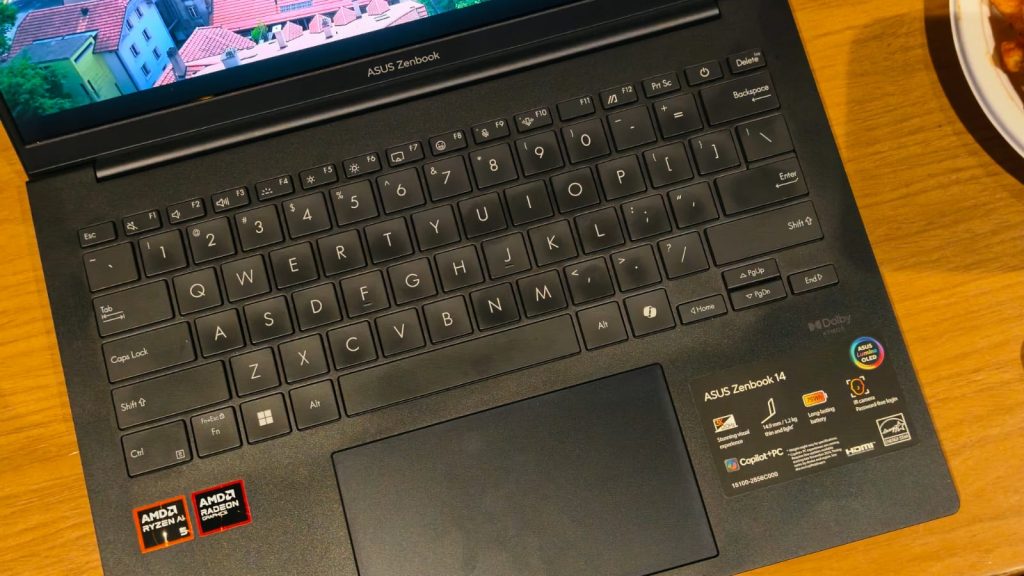
A decent keyboard is what every Ultrabook needs to earn my recommendation, and the one on the Zenbook 14 is really good. It is the classic Asus keyboard with truly tactile feedback, little sound and clicky feel. It makes writing a pleasure and I had no problems writing for long periods, including this review, on the platform. There are also different levels of backlighting available, making it easier to type in darker environments, and thankfully the letters on the keyboard don’t match the accent color (looking at you, Vivobook S14).
The good news continues with the trackpad, of generous dimensions. The surface is smooth and rolls very well, with no dead zones around the edges of the corners. While the clicks are physical, they require little activation energy and are easy to use.
Show

If there’s one thing that makes the Asus Zenbook 14 OLED one of my favorite laptops ever tested, it’s that beautiful display. Holding my horses a bit, the Zenbook 14 houses a 14-inch 3K (2880×1800) OLED display, with a 120Hz refresh rate. And there is no other word to describe it except perfect. There is nothing more on a screen than what this laptop has. Text looks sharp, colors pop off the screen, and blacks are inky deep. I was surprised to see how much more colorful the Pluribus is (quite a sight if you haven’t seen it yet) compared to the IPS screen on my MacBook.
The good doesn’t end there, as the panel is not only pretty but also color accurate, covering 100% of the DCI-P3 color space. Beyond that, the Zenbook 14 is also VESA DisplayHDR True Black 600 certified, meaning HDR content also looks sharp and bright. Under normal working conditions, I measured a maximum brightness of 400 nits, which is enough to work anywhere, even in the shade of the summer sun.
Performance and gaming
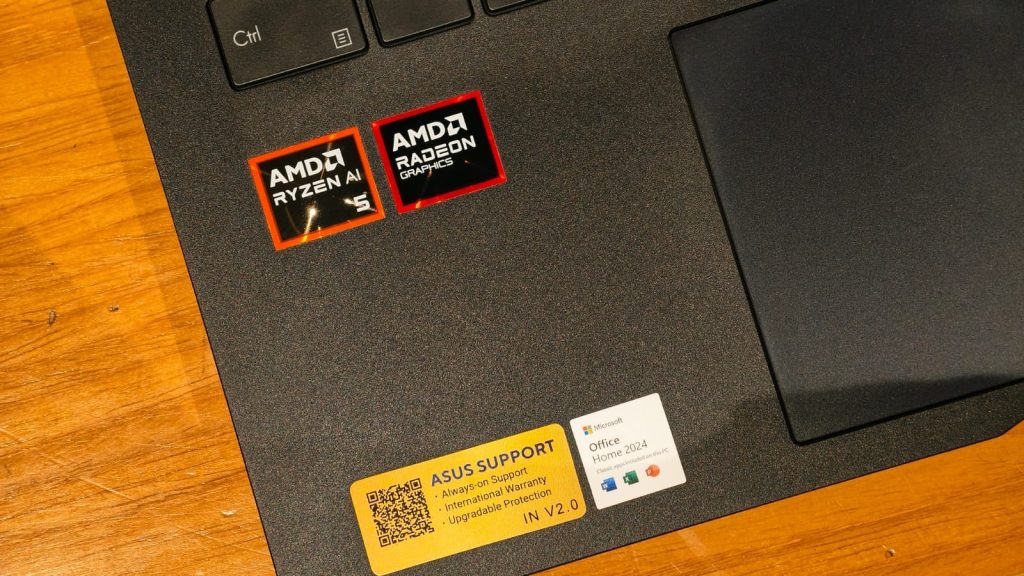
Under the hood, the Asus Zenbook 14 OLED is powered by AMD’s Ryzen AI 5 340 processor, which includes six cores and twelve threads, along with an integrated NPU and Radeon 840M graphics. My unit came with 16GB of LPDDR5X RAM and 512GB of NVMe SSD. Specs aside, the daily performance of the Zenbook 14 is really good. On workdays, when I was Googling story ideas, editing spreadsheets, and writing articles, the laptop wasn’t far behind. Apps opened super fast, there was no delay when switching between tabs and the memory is enough to handle 20 to 30 tabs easily.
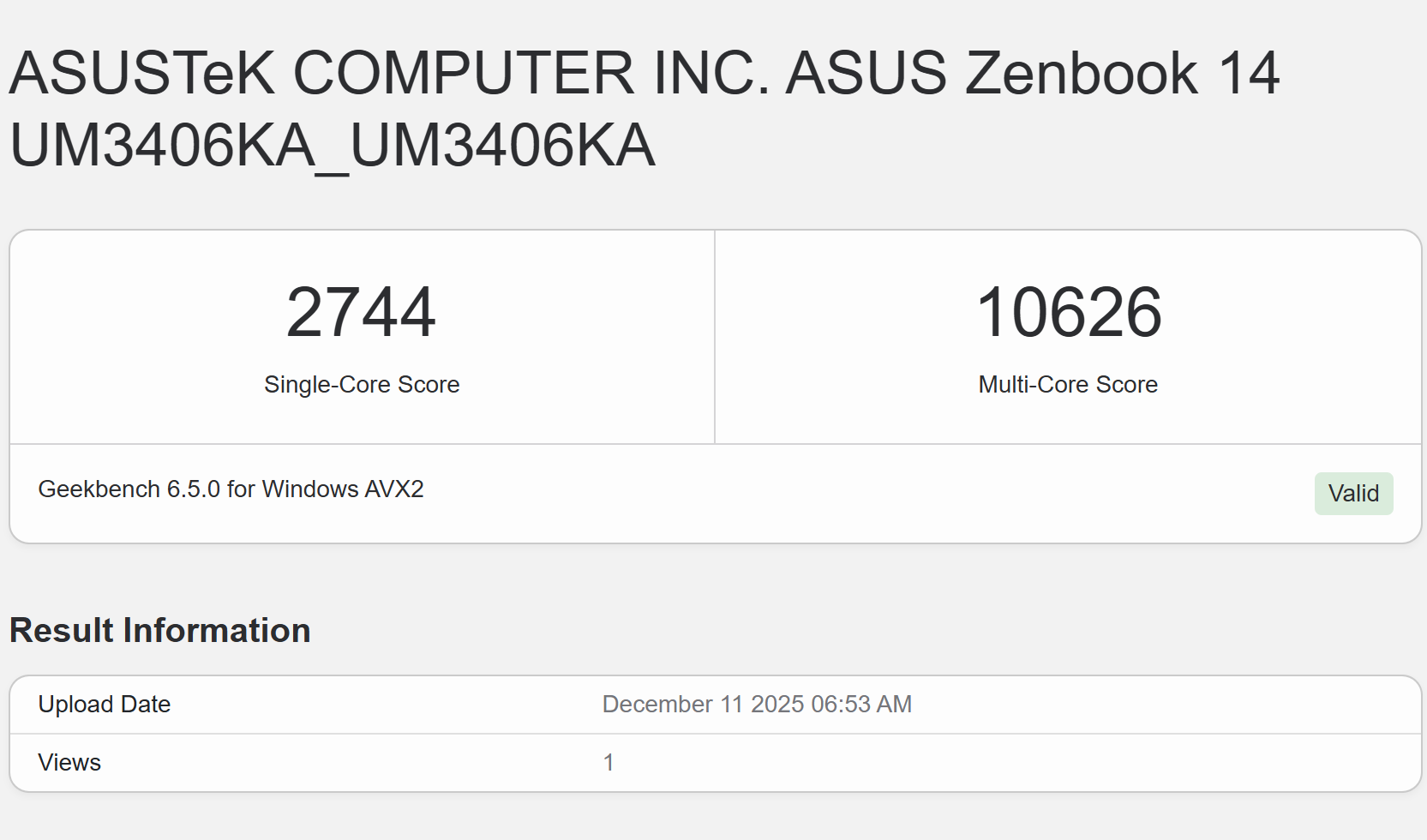
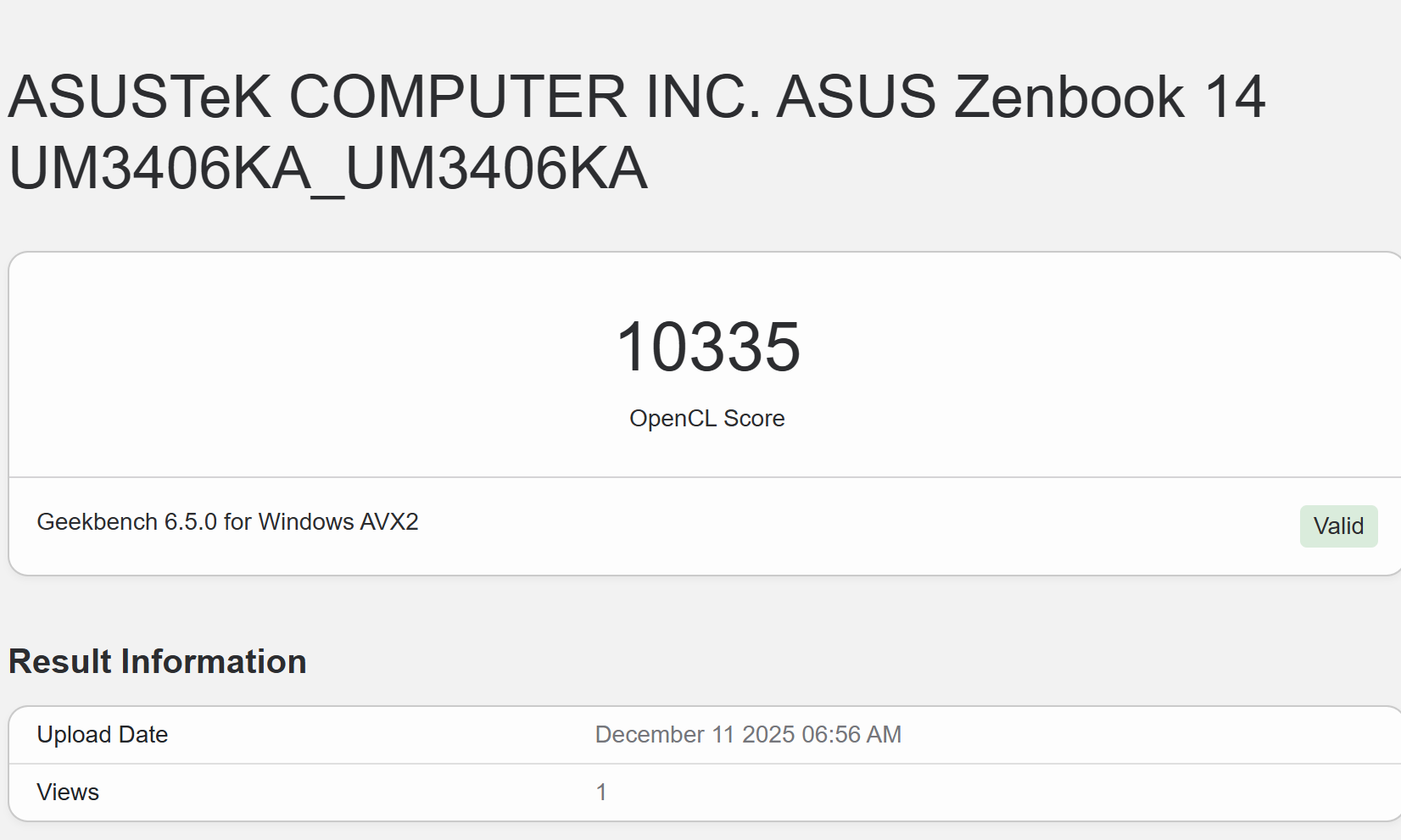
While I admit I’m not a programmer or video editor, I tested a few for this review. When editing multiple 4K timelines, the Zenbook 14 handled everything easily, including some effects. To code, I ran a website I designed for personal use and the experience was decent, without having to wait for the code to compile. To really push the AMD Ryzen 5 processor, I also ran a series of benchmark tests. In performance and plugged-in mode, the Zenbook 14 scored 2,744 in Geekbench’s single-core test and 10,626 in the multi-core test. For the Geekbench GPU test, the score was 10,335. Beyond that, in 3D Mark’s Time Spy, it scored a respectable 2,210 points.
Moving on to games, it’s first important to adjust expectations. The Zenbook 14 is not a gaming laptop by any means, and if that’s a priority for you, the Strix or ROG line would suit you better. But can the Zenbook 14 play games? Yes, it can. To put it in context, I ran esports titles like Counter-Strike and Valorant, where the laptop easily hit over 150 FPS on medium to high settings. In F1 2025, frame rates hovered around 50 FPS on medium settings, which isn’t bad at all.
Battery life
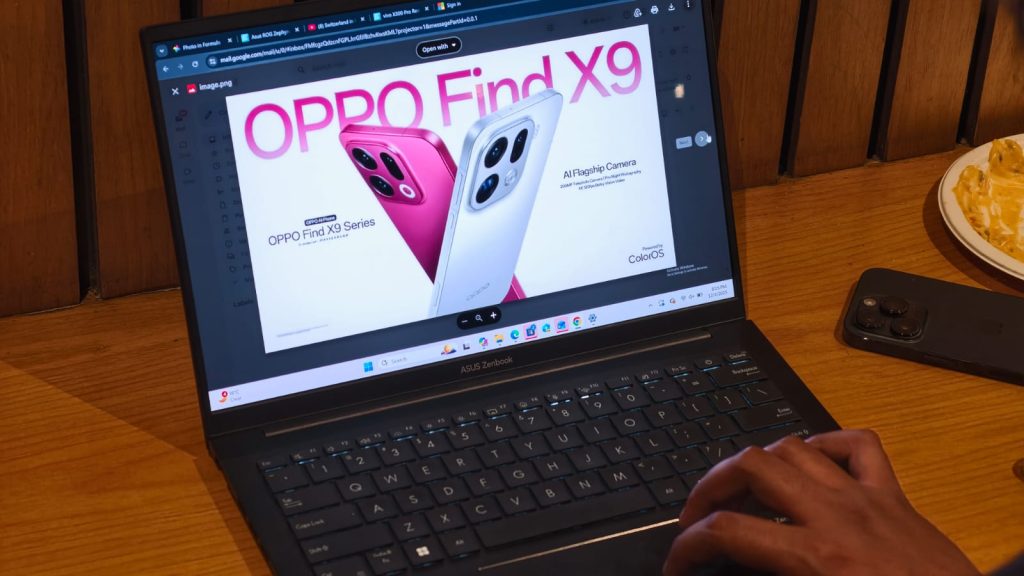
The Asus Zenbook 14 OLED features a 75 Wh cell, which is one of its highlights. Thanks to the efficiency improvements of the Ryzen 5 chip and OLED display, the Zenbook 14 easily lasted me a full day of use. To put it in context, my typical work day was spent writing articles in Chrome, doing some research, and watching a ton of YouTube and new episodes of Pluribus. All of that culminated in about 8 to 9 hours of screen-on time, which is on par with what my MacBook gets. Unlike the MacBook, however, the laptop supports 65W fast charging, taking it from 10% to 80% in just under an hour.
Webcam and speakers
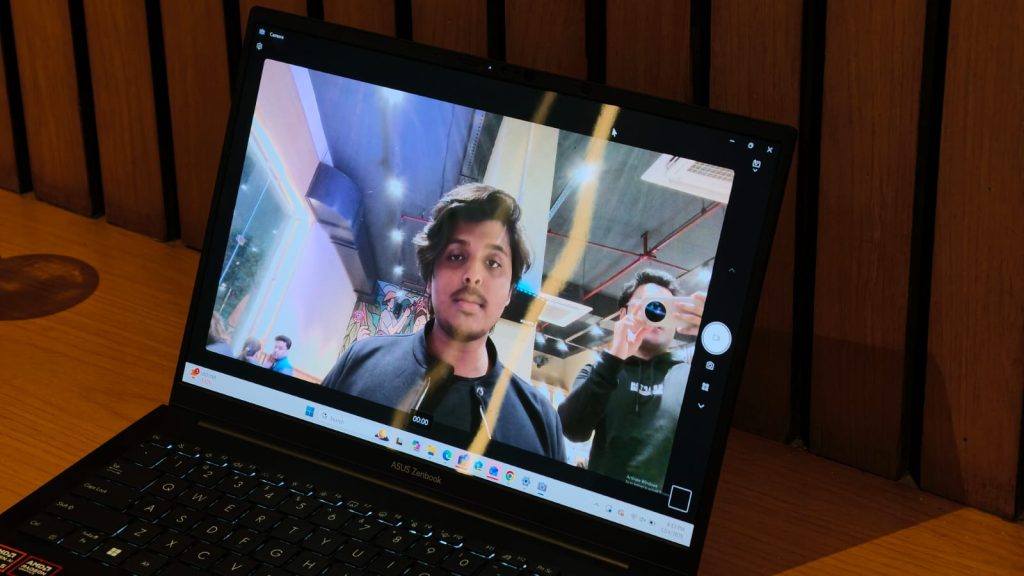
On top of the Asus Zenbook 14 is a 1080p webcam that works very well. Videos appear sharp in bright lighting and there is some HDR too. However, as expected, quality drops in artificial and poorly lit settings. Still, I’d happily prefer the webcam over any 720p alternative. Along with the webcam, there are Windows Hello sensors that allow face unlock. With my face registered, unlocking the laptop was super easy.
Unfortunately, the speakers are placed under the chassis, which inherently limits their output on soft surfaces like a bed. That said, quality on hard surfaces was decent, with clear vocals and highs, along with a whiff of bass. They are very good for watching movies.
Verdict
He Asus Zenbook 14 OLEDStarting at INR 85,990, it is a hard laptop to fault. It gives you all the performance to get any office job done on a spectacular display, along with a really decent keyboard and trackpad experience, all while working a full day without recharging. I mean, what more could you ask for from an Ultrabook of this size? It even plays esports titles well. Oh, don’t forget the superior build quality and lightweight nature that makes it portable too. Sure, there are options with better GPUs, but the Zenbook 14 OLED is a really attractive option for almost anyone.
#Asus #Zenbook #OLED #AMD #review #Gorgeous #display #meets #Ryzen #power